What Is HaiTopUp? A Beginner Guide to Game Top-Ups
What Is HaiTopUp? A Beginner Guide to Game Top-Ups
Insights
Helps first-time visitors understand what HaiTopUp does and gives them a calm, low-stress walkthrough of the order flow before they spend money on game top-ups.
If you've landed on HaiTopUp for the first time and you're not sure what it is or how a "top-up" actually works, this guide walks you through it in plain language so you can decide whether to place an order with confidence — and so the first order you make feels boring in the best way.
What HaiTopUp is
HaiTopUp is an online platform where players can purchase in-game currency and selected items for popular mobile and PC games. Instead of paying inside each game's own store, you pick a game on HaiTopUp, choose a product on the current product page, enter the account details that the page asks for, and pay through the checkout. The order is then processed and the in-game value is delivered to the account you specified, scoped to the rules shown on the live page.
That's the entire idea. There is no membership requirement to browse, and you can review what's available before deciding whether to buy.
Who typically uses a top-up site
Players use top-up sites for a few practical reasons:
- They want to see the available product options for a game in one place.
- They prefer a checkout flow that runs in their browser instead of inside the game.
- They are looking at selected launch deals or promotional pricing on specific products.
- They want to keep a clear record of the purchase outside the game client.
None of these are promises about price, speed, or availability. Those depend on the current product page and checkout page at the time you order — which is exactly why this guide spends most of its time on what to check, rather than what to expect.
How a typical HaiTopUp order looks
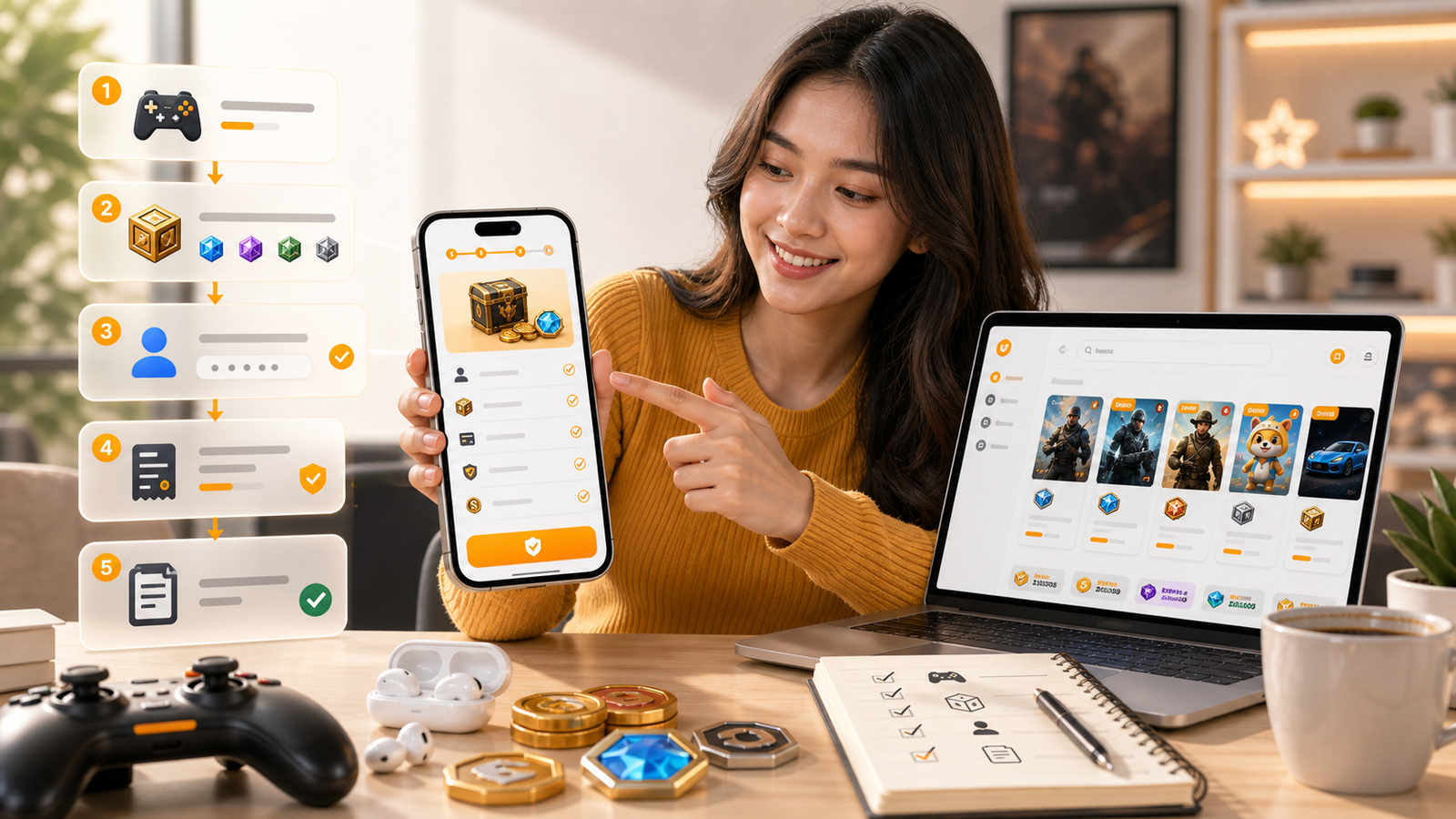
A normal flow looks like this:
1. Open the game's page on HaiTopUp.
2. Read the product page carefully — the product name, what it represents in-game, and any region or account notes.
3. Enter your in-game account details exactly as the field labels ask. Many games use a player ID, sometimes plus a server or region.
4. Go to checkout. Confirm the product, the amount, and the account details one more time.
5. Choose a payment option. Specific payment options depend on the current checkout page and may vary by game, region, and account.
6. Pay, then wait for the delivery confirmation. Eligible game top-ups may be delivered within 5 minutes after payment confirmation, but timing depends on the game and the order.
If anything on the checkout page looks different from what you expected, stop and re-check before paying. The two minutes you spend re-reading is much shorter than the time it takes to deal with an order placed in error.
What to check before you click pay
A short mental checklist helps:
- Is the game on the page actually the game you play?
- Does the product description match what you want (currency, pass, bundle)?
- Is the account ID field filled in correctly, character by character?
- If the page asks for region or server, did you pick the right one?
- Does the price shown at checkout match what you saw on the product page?
- Are you using a device and network you trust?
These checks take less than a minute and prevent most "I sent it to the wrong account" stories. Treat them as a habit, not as a one-time exercise.
Things HaiTopUp doesn't ask you for
You should never need to share your in-game password to receive a standard top-up. If a page or message asks for that, treat it as a warning sign and stop. Keep your login credentials private and only enter the account identifier the product page actually requests.
The same caution applies to messages that arrive outside the website — if someone you don't know offers to "help" you top up faster in exchange for your password or one-time codes, that's not how the standard order flow works.
Promotions, discounts, and what they actually mean
You may see phrases such as "up to 10% OFF selected eligible game top-ups" on certain products. That wording is intentional — it means specific items qualify under specific conditions, and the live product page is the source of truth. Selected launch deals work the same way: they apply to specific products during specific windows.
In practice, the easy way to interpret this is: if the discount is reflected on the checkout page, you have it; if it isn't, that particular product likely isn't part of the selected list right now. There's no need to chase a promotion that doesn't apply to what you're buying — the savings are a bonus, not a reason to skip the rest of the checks.
Payment and offer availability may vary by game, product, region, account, payment method, risk review, and checkout status.
A simple way to start
If you're brand new, the easiest path is to pick a game you actually play, open its page, and just read the product page without buying anything. Get a feel for the layout, the field labels, and the checkout flow. Once you're comfortable, start with a smaller product before going for a larger one. There's no penalty for going slowly the first time.
Three small habits that pay off
- Note your player ID and region somewhere private. You'll re-use both for every future order.
- Top up when you have a few quiet minutes. Rushing is the most common cause of small mistakes.
- Keep the order confirmation page open until you've verified the in-game balance updated.
FAQ
Do I need an account to browse?
No. You can look at game pages and product pages without signing up.
Will the price I see be the final price?
Review the live checkout before payment. The checkout page is the final source for product, amount, and total.
How fast does delivery happen?
Eligible game top-ups may be delivered within 5 minutes after payment confirmation, but actual timing depends on the game and the order.
What payment methods can I use?
Specific payment options depend on the current checkout page.
What if I entered the wrong player ID?
Stop before paying if you can. After payment, in-game delivery is tied to the ID you submitted, so accuracy at the input stage matters most.
Is there a minimum order size?
Available product tiers are shown on the current product page and may vary by game.
When you're ready to look around, view current HaiTopUp game top-up options at the main page and review the live checkout before payment.