Game Top-Up Checklist: 7 Things to Confirm Before Payment
Game Top-Up Checklist: 7 Things to Confirm Before Payment
Insights
Helps anyone about to place a top-up order avoid the most common avoidable mistakes by walking through seven quick pre-payment checks on the current product page and checkout page.
Most top-up problems aren't dramatic — they come from a tiny mistake at the moment of payment. This seven-point checklist gives you a calm, repeatable way to confirm the order before tapping pay, so the only thing you need to remember next time is "did I run my seven checks?"
Why a checklist beats good intentions
When you're excited to top up, it's easy to skim the product page and rush the checkout. The order goes through quickly, but if something was off — wrong account, wrong region, wrong product — fixing it after payment is much harder than catching it before. A short, repeatable checklist removes that risk for the price of about 60 seconds of attention.
The checklist also makes life easier on busy days. Instead of trying to remember every detail, you just walk down the same seven items every time. The boring consistency is the point.
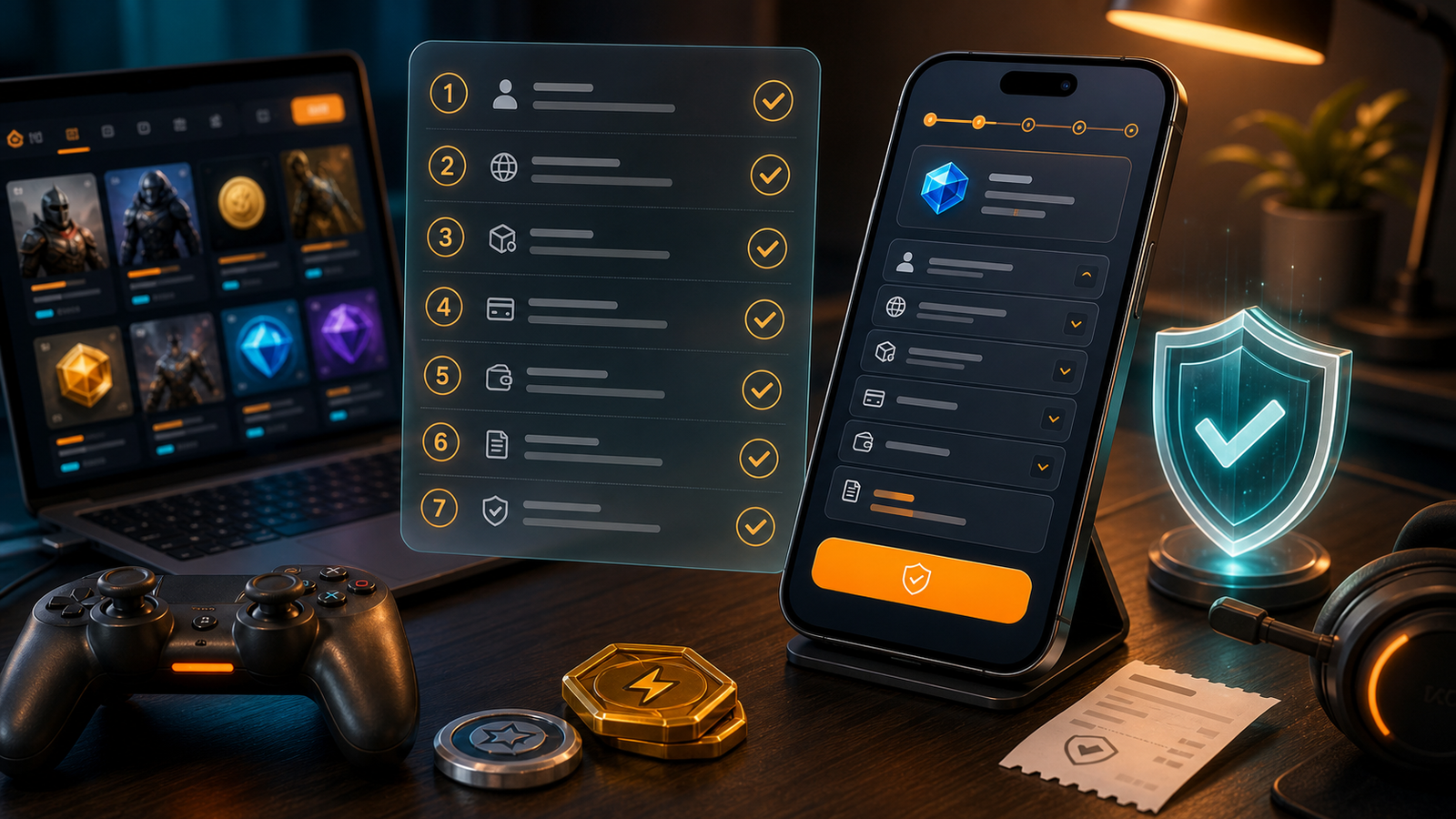
The 7 checks
1. Right game, right product page
Confirm you're on the game you actually play. Game names are sometimes similar; cover images can look alike, especially across mobile shooters or open-world titles. Look at the product page title and any version label. If the page mentions a region or platform, make sure it matches your account.
2. Right product type and amount
Inside one game there can be multiple product types: in-game currency, passes, bundles, event items. Pick the one you actually want. Then confirm the amount or tier — small denominations and large denominations can sit close together in the list, and a quick tap can land on the wrong one.
3. Account identifier filled exactly
Most games use a player ID. Some also need a server, region, or zone. Type it once, then read it back character by character. If the page shows your in-game name after you enter the ID, treat that as a sanity check, not as proof — but if the name looks completely wrong, stop. The account ID is the single field that decides who actually receives the order.
4. Region or server matches your account
If the product page asks for a region, this is not a cosmetic field. The same game can have separate regional accounts, and a top-up sent to the wrong region usually cannot be moved. Pick the region your account actually lives in. If two regions look similar in the dropdown, slow down enough to read the labels carefully rather than guessing.
5. Price at checkout matches the product page
Open the checkout and look at the line items. The product, the amount, and the total should match what you saw on the product page. If a discount or selected launch deal applied, it should be reflected here. If something looks off, don't just continue — go back and check.
6. Payment option is one you trust
Specific payment options depend on the current checkout page. Pick a method you're comfortable with on a device and network you trust. Avoid completing payment on shared or public Wi-Fi if you can. Familiar methods are usually faster to clear in your own head, which means fewer second-guesses.
7. You're paying for yourself, on your own account
This sounds obvious, but it's worth saying. If a stranger has asked you to top up an account on their behalf in exchange for a "favor" or a deal that sounds too generous, that's a red flag. Top up for yourself or for people you actually know.
A compact reference table
Check | Where to look | What to confirm |
|---|---|---|
Game | Product page title | Matches the game you play |
Product type | Product page description | Currency, pass, or bundle as intended |
Amount | Product page and checkout | Same value in both places |
Account ID | Account field | Character-by-character correct |
Region/server | Account section | Matches your account |
Total price | Checkout page | Matches expected price |
Payment method | Checkout page | Method and device you trust |
Habits that make this easier
- Top up when you're not in a hurry. A two-minute pause between adding to cart and paying is enough to catch most mistakes.
- Keep your player ID and region noted somewhere safe so you don't have to guess.
- Read the small text under the product price — it often explains what the product actually contains.
- If you use selected launch deals, treat the discount as a bonus, not as the reason to skip checks.
- Top up from a device and network you trust — saved browsers, your home Wi-Fi or mobile data, and a screen you can read clearly all reduce small mistakes.
What to do if something looks wrong
If a field looks unfamiliar, the price doesn't match, or the page behaves strangely, the safest move is to stop and refresh. Reopen the product page. Re-enter the account details. If it still looks wrong, don't push through — review the live checkout before payment, and only continue once everything matches.
There's no penalty for waiting an hour and trying again. There can be a real cost to powering through a checkout you don't fully understand.
Payment and offer availability may vary by game, product, region, account, payment method, risk review, and checkout status. The current product page and checkout page remain the final reference.
Two short scenarios
Scenario A — wrong tier. You meant to buy a mid-size currency tier but tapped the one above it. You catch it at checkout because the total is higher than expected. You go back, choose the right tier, and finish in under a minute.
Scenario B — wrong region. You're set up to play on Region X but the dropdown defaulted to Region Y. The total looks similar, but the account ID lookup returns nothing. You stop, switch the region, and try again. The order completes correctly.
Both scenarios are normal. The checklist exists so you spot them at the right moment.
FAQ
Do I really need to check all seven every time?
Once you've done it a few times, most checks take a glance. The account ID and region checks are the ones worth doing carefully every single time.
What if the discount disappears at checkout?
Promotions like "up to 10% OFF selected eligible game top-ups" apply to specific products under specific conditions. Re-check whether your selected product is eligible on the current product page.
How do I know my account ID is right?
Look it up inside the game itself rather than relying on memory. Copy and paste only if you're sure your clipboard is clean.
Is it safer to pay on mobile or desktop?
Either is fine on a device and network you trust. Avoid shared computers and public Wi-Fi for payments.
What if I'm not sure about a payment option?
Pick one you've used before. New payment methods can wait until you're more familiar with the platform.
Can I bookmark the checklist?
Yes — save this page or copy the seven items into a notes app you'll actually open before each order.
When you're ready, review the live checkout before payment and place your order with confidence. View current HaiTopUp game top-up options at here.